3.9
Free
TV Cast for Chromecast
A Video Streaming App For Android And iOS Users
What will happen when you click Free Download?
Free
A Video Streaming App For Android And iOS Users
Free
A free multimedia app for Android, by Fren Soft

Free
A free multimedia app for Android, by Screen Mirroring and Cast Smart TV Lab.
Free
Miracast your screen for a better viewing experience

Free
Cast From Your Favourite Device to Your TV

Free
Tubio - Cast Web Videos to TV - Stream video directly to your TV, for free!
Free
Android
Other platforms (1)Android 15.0
English
181.8K
Google Play

A full version program for Android, by Mobile Video Solutions.

A practical app for short-form content creation

Explore your daily moments with this app

Access Edinburgh Libraries Information with Ease

Video content on the go

A free program for Android, by Odysee Inc.
A free program for Android, by Rozana Radio.

A reliable solution for hosting your own IPTV playlists
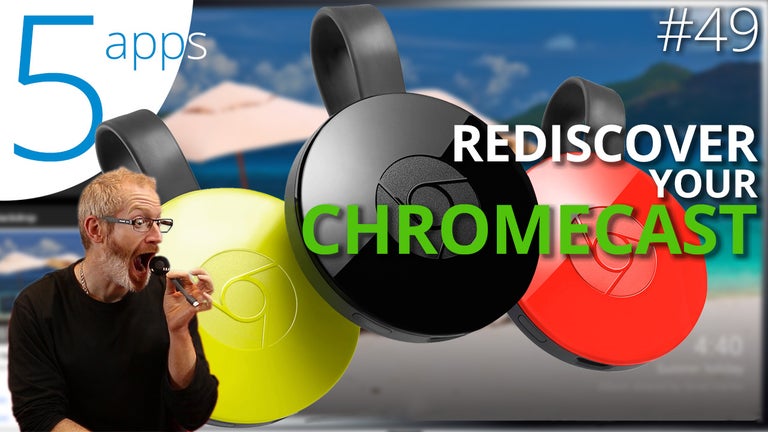
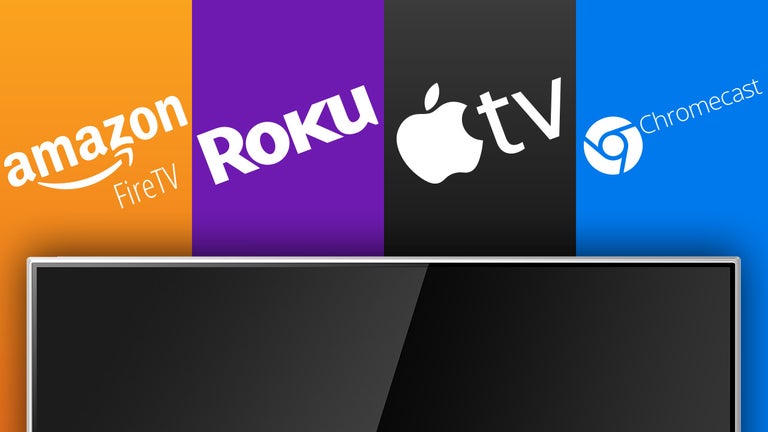
Chromecast is the name of a device and application that allows users to stream video and audio from their computer or mobile device to their television screen. It’s a Google product and works within the Chrome web browser and with select applications.
The device itself must be purchased before streaming, though the application and web browser are both free to download and install. Once purchased, the device can be connected to your television and interacts with your device through your Wifi network.
Yes, it is safe to use with both your television and your mobile device or computer. Connection to the device requires a password, much like a bluetooth speaker, so neighbours and nearby users cannot cast video or audio content to your television without consent. Similarly, you will not be able to control someone else’s television equipped with a device simply be being within a close proximity.
The application and device are compatible with Android mobile devices, iPads and iPhones. The desktop version is supported in the Chrome browser for both Windows and macOS/Mac OS X. The requirements for televisions are that they have an HDMI port and are close to a power outlet in order to power the device since it isn’t powered by the television.
For mobile devices, the application can be installed by visiting the App Store or Google Play store on iOS and Android devices respectively. Desktop versions can be installed by downloading the Chrome web browser.
First, both your streaming device and the Chromecast device have to be using the same Wifi network. From there, selecting the cast button will transmit your media content, whether video, audio, photo, etc., to your television, essentially mirroring your display.
You cannot cast to someone else’s television without entering their code and being on the same network. This is a safety measure and prevents users from accidentally streaming to someone else’s television or receiving unwanted audio or video to their screen.
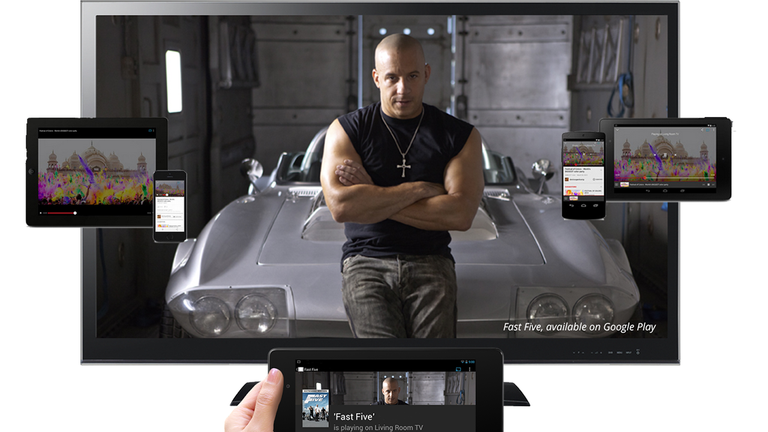
Content that can be casted to your television can include video, audio, photos and display mirroring. It plays the same content that other set top media boxes would, without the remote. Instead, it’s play wirelessly from your computer or mobile device.
The application and device require the use of Wifi to work. Unfortunately, bluetooth is not supported and without Wifi, you will not be able to use the service. Part of the reason for this is that the content is transmitted through your wireless network.
In order to cast content to your television, you’ll need both the device and the mobile or desktop application. Once you configure both, casting can be done by simply selecting the cast button on your phone or computer. In order to connect the device to your television, you’ll need a free HDMI port and access to a power outlet.
Free Video Editor and Organiser for Smartphones
Access to your surveillance camera

Timelapse - Sony Camera

Media player app for 3D videos

Make Video Funky With Funimate
Total Video Converter – Fast and Easy Video Converting App
Transform Your Phone into a Microphone

Focusbras Video Monitoring Software for IPC and DVR
Home7: A Convenient Multimedia Video App
Control Your Teleprompter with PromptSmart Pro Remote Control

A free app for Android, by Gaëtan Muller.
A free program for Android, by RTVE Medios Interactivos.